Files and documents that scatter across different systems make managing employee records challenging. HR teams then spend unnecessary hours tracking down employee data, risk compliance violations and struggle with manual processes. Employee record-keeping software solves these issues by centralizing employee information in one secure location.
The right employee data management software, human resources document management software, or employee database streamlines hr tasks, protects sensitive employee data and will give legal compliance. In this article, we will cover what to look for in employee record management software, top solutions for 2026, key features, and how to choose the right employee file management software for your organization.
What Is An Employee Record Keeping Software
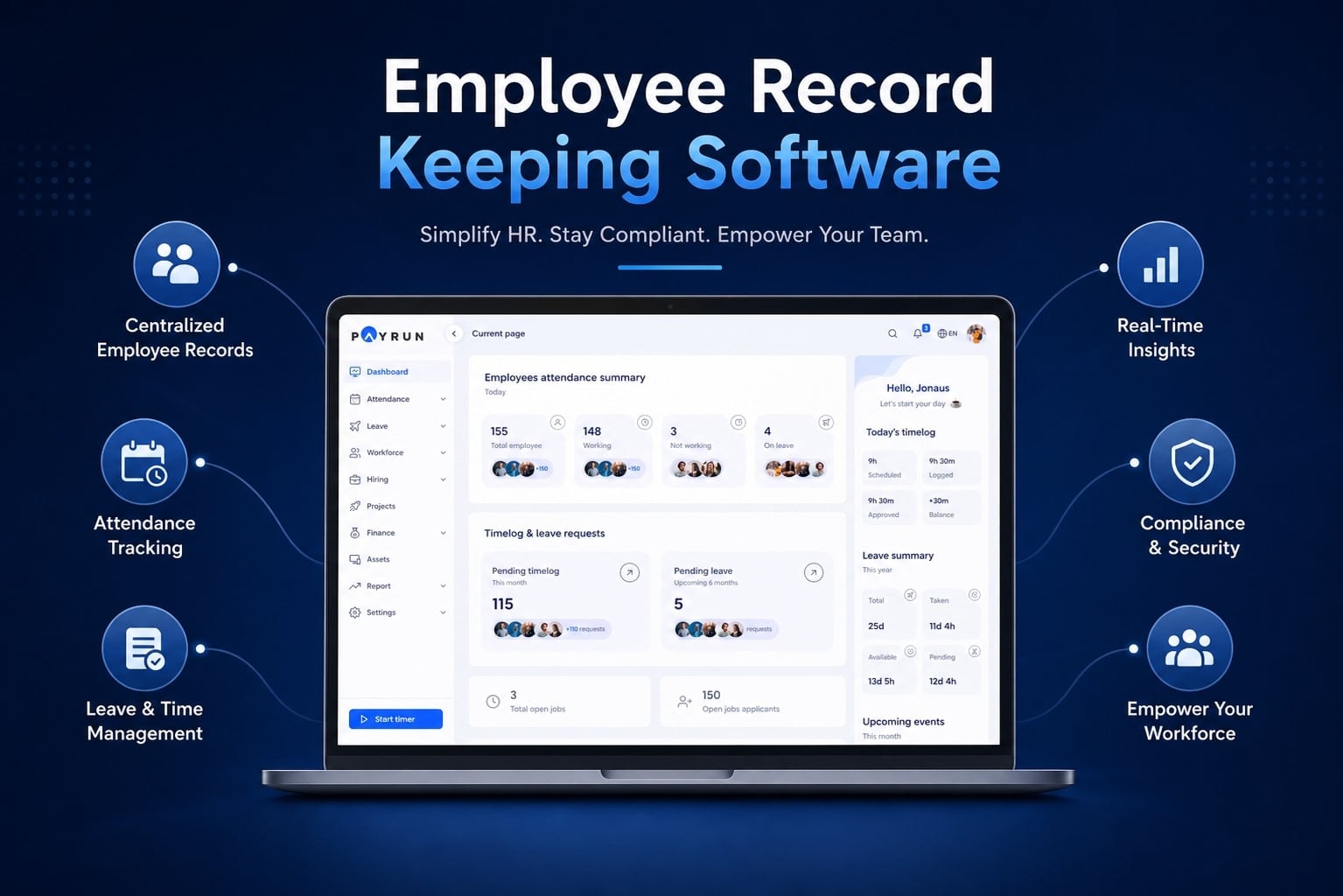
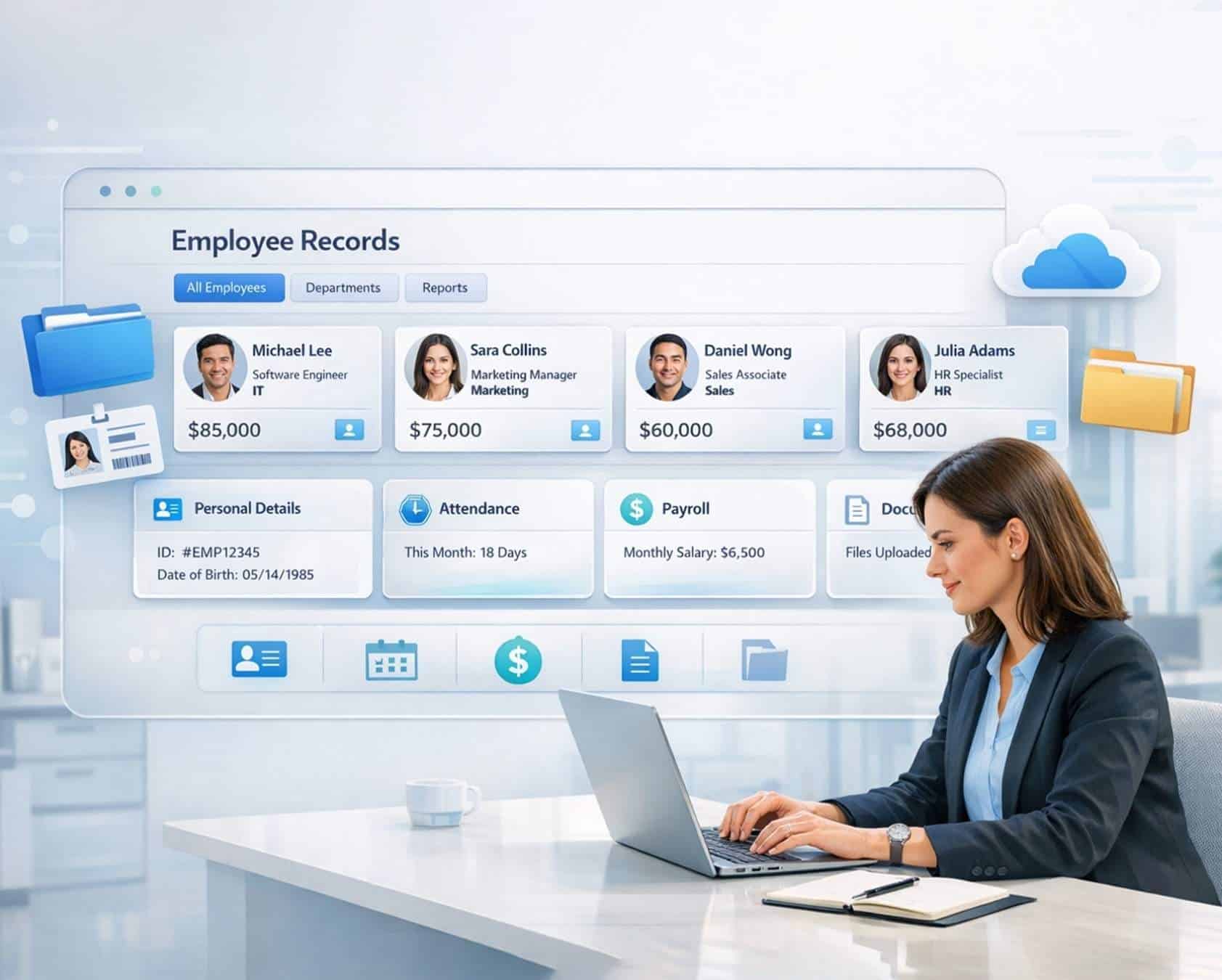
Employee record-keeping software is a digital HR platform that helps a company manage and organize employee records in one secure system. HR teams use it to store employee documents, personnel files, and other important employee information such as personal details, salary history, and emergency contacts. Instead of relying on paper files, the software keeps all employee data in structured employee profiles with secure access and data encryption for better data protection.
The system also supports many daily HR tasks. HR professionals can track attendance, manage time off requests, and store performance reviews or onboarding documents for new hires. Many tools also connect with applicant tracking, payroll, and broader human capital management systems. With access permissions and authorized users, HR teams and managers can find specific information in just a few clicks, which helps save time.
Employee record-keeping software also supports legal compliance and reduces risk for a business. A self-service portal often lets employees view their own records, update details, and check important dates with easy access. For small businesses and growing organizations, the system helps maintain records, improve HR processes, and ensure compliance while keeping sensitive employee data secure.
Top 5 Employee Record Keeping Software Solutions For 2026
Employee record management now plays a central role in modern HR operations. A structured employee management system helps teams handle personnel records, ensure compliance support, and manage the entire employee lifecycle from hiring to exit with accuracy and control.
1. BambooHR
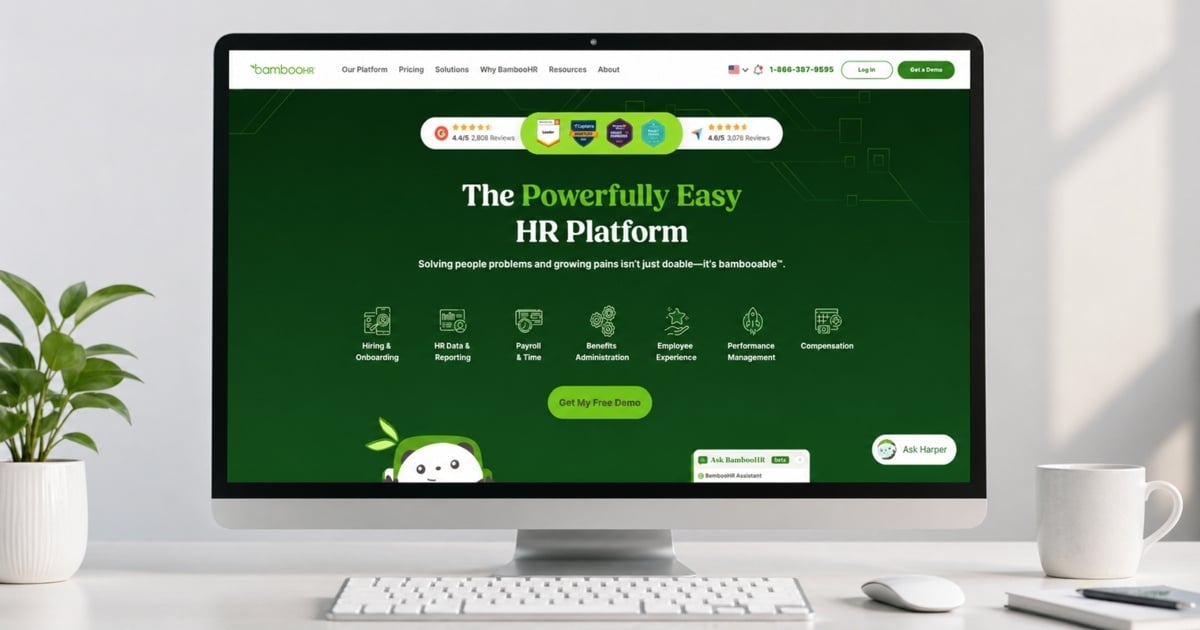
A well-established employee management software, BambooHR focuses on building centralized employee records that support HR management, performance management, and employee lifecycle tasks. It allows HR teams to retain employee records securely while maintaining structured personnel data in one employee management system.
Key Record Keeping Features
- Centralized location for employee records and HR documents
- Secure document tracking for employee contracts and training records
- Full employee lifecycle management from onboarding to exit
- Controlled access to sensitive data for better risk management
- Custom reporting for database management and compliance tracking
Ease Of Use
A clean interface simplifies workforce management tasks and helps HR personnel navigate employee records efficiently. Access to personnel records, leave records, and attendance management feels intuitive even for non-technical users.
Price
Pricing depends on company size and required HR tools. Smaller teams usually start with a base monthly cost, while larger organizations receive scalable pricing based on employee count and feature requirements.
Best For
A strong choice for businesses that want the right HR software to manage centralized employee records, employee lifecycle tasks, and compliance tools without complexity. It fits teams focused on structured HR documents and organized personnel data.
2. Payrun
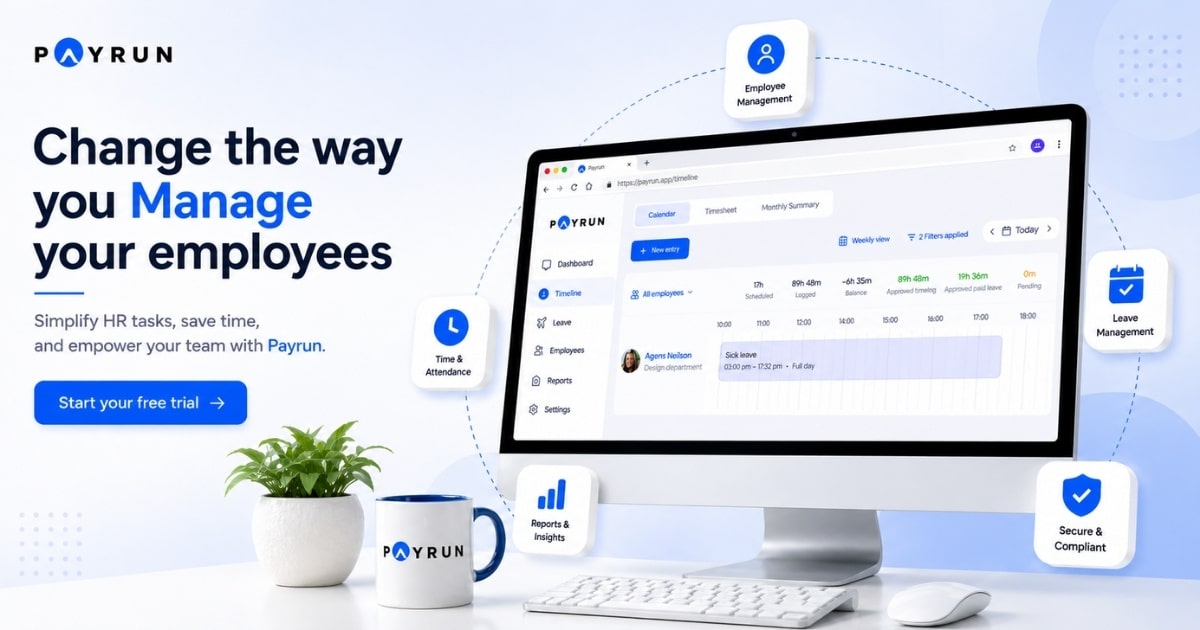
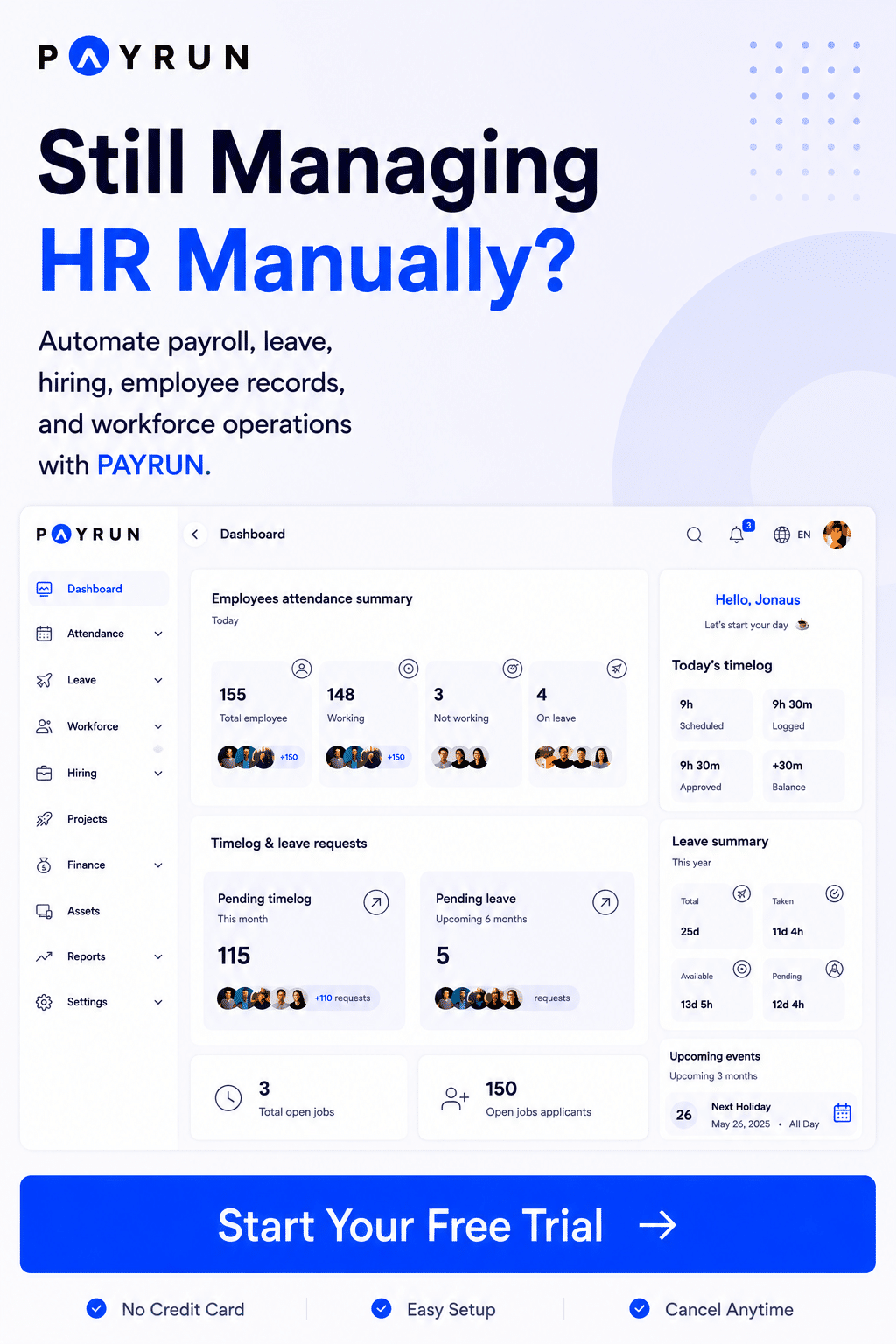
Built for simplicity, Payrun all-in-one HR platform combines employee management software with payroll processing and workforce management tools. It helps businesses maintain centralized employee records while connecting attendance management, leave management, and payroll platform data in one place.
Key Record Keeping Features
- Centralized employee management system with real-time updates
- Attendance management and automated leave management system linked to personnel records
- Leave records and leave management integrated with employee profiles
- Document tracking for HR documents and employee contracts
- Automated workflows for employee lifecycle and recruitment records that help replace disconnected HR tools
Ease Of Use
An intuitive dashboard supports HR management and simplifies database management tasks. Teams can manage personnel records, payroll processing, and compliance support without technical complexity.
Price
A flexible pricing model includes a free plan, with paid options starting at $29 per month. Higher plans offer expanded HR tools, payroll platform features, and scalability for growing teams.
Best For
Ideal for startups and small businesses that want one employee management system covering workforce management, payroll processing, and HR compliance in a centralized location.
3. Rippling
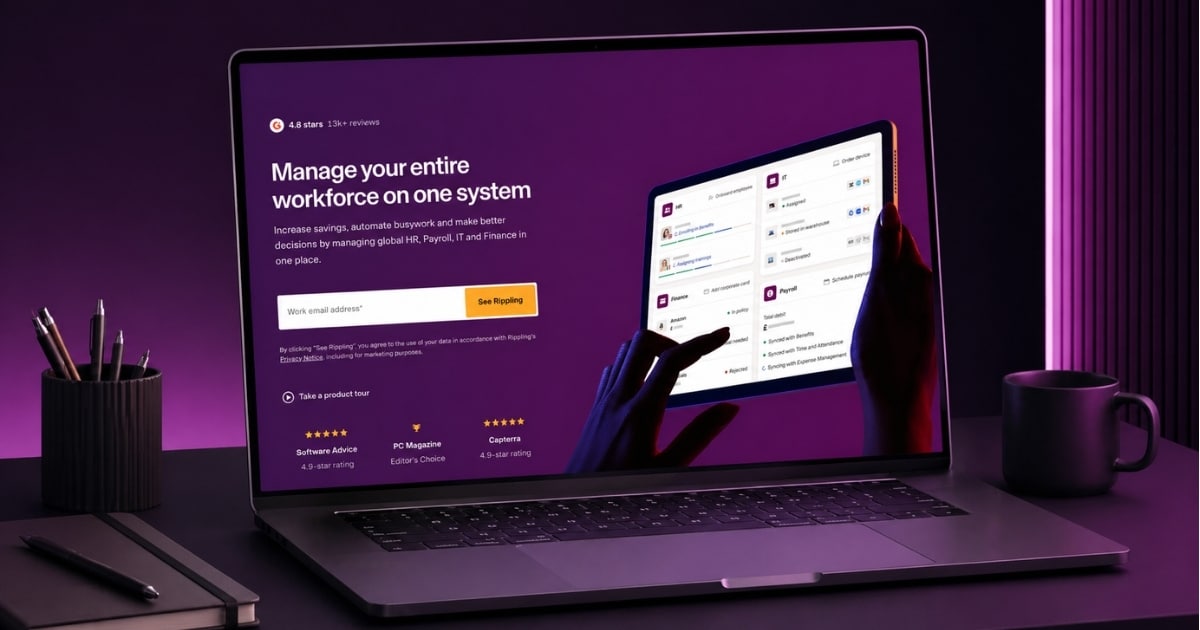
Designed as an advanced workforce management platform, Rippling connects employee management system functions with payroll platform operations, benefits management, and compliance tools. It supports detailed personnel data across the entire employee lifecycle and ranks among the best employee record keeping software in 2026.
Key Record Keeping Features
- Centralized employee records connected across HR tools and IT systems
- Automated sync between payroll processing, benefits management, and HR management
- Advanced database management with customizable employee data fields
- Global employee lifecycle tracking with compliance support
- Audit logs for risk management and HR compliance
Ease Of Use
A modern interface supports complex HR management workflows. Initial setup may take time, but automation later simplifies employee lifecycle tasks and reduces manual handling of personnel records.
Price
Pricing begins with a base monthly fee plus per-employee costs. Final pricing depends on selected modules such as payroll platform, compliance tools, and other HR tools.
Best For
Best suited for businesses needing advanced employee management software with strong integration across workforce management, payroll processing, and compliance support for global teams.
4. Gusto
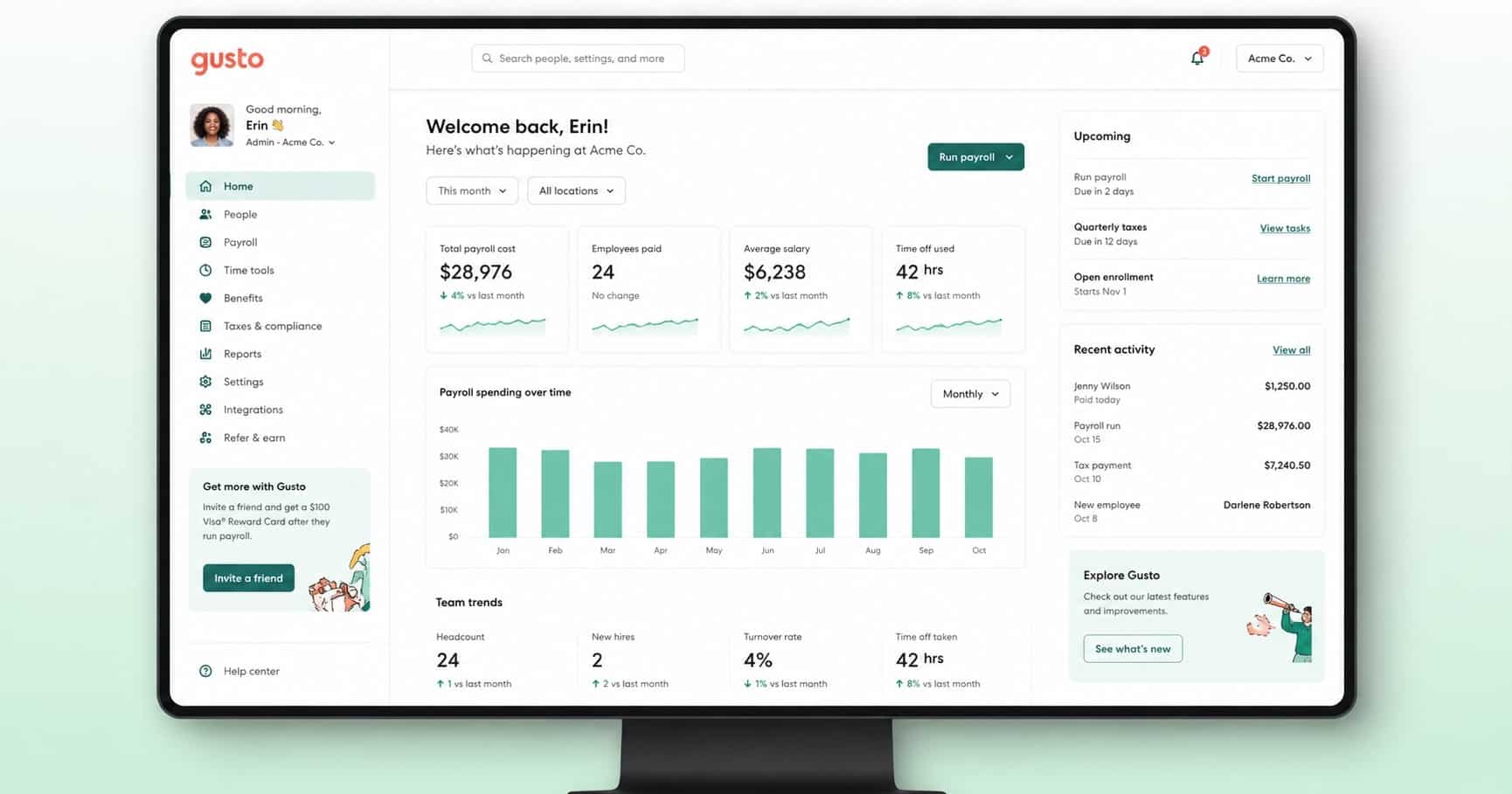
Focused on simplicity, Gusto offers an employee management system that combines payroll processing with essential HR management tools. It helps teams maintain personnel records, manage benefits management, and handle tax filing within one platform and often appears on best HR software for small businesses shortlists.
Key Record Keeping Features
- Employee profiles with payroll platform and tax filing data
- Digital onboarding with employee contracts and HR documents
- Leave management and attendance management within records
- Benefits management linked to personnel data
- Employee self-service for updating sensitive data with controlled access
Ease Of Use
A user-friendly system simplifies workforce management and allows HR personnel to manage employee lifecycle tasks efficiently. Payroll processing and document tracking require minimal steps.
Price
Transparent pricing starts at $49 per month plus a per-employee fee. Higher tiers include expanded HR tools, compliance support, and benefits management features.
Best For
A great option for small businesses that need simple employee management software with payroll processing, HR compliance, and centralized employee records in one platform.
5. Deel
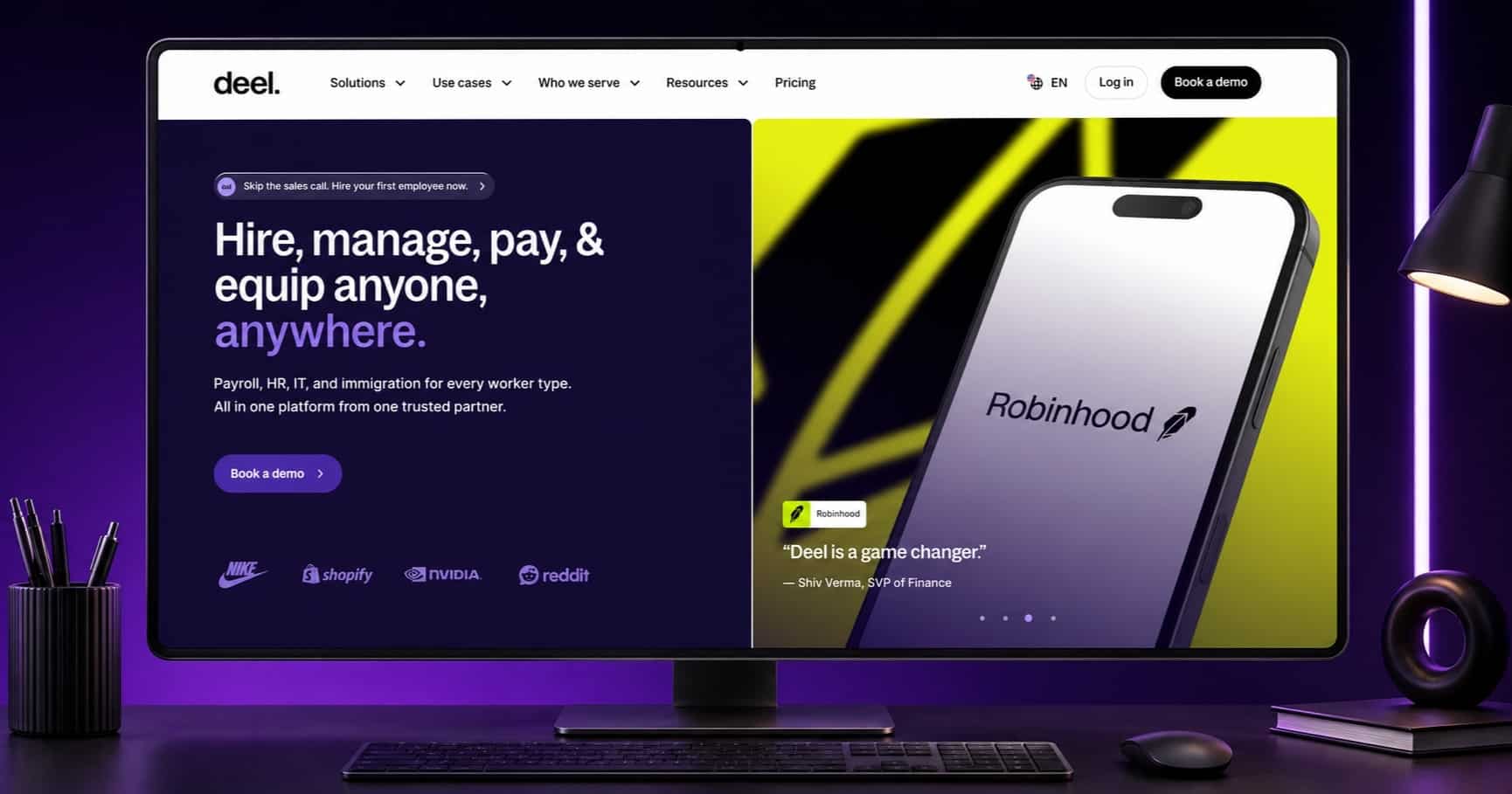
Tailored for global workforce management, Deel helps companies manage personnel records across multiple countries with strong compliance tools. It supports employee contracts, payroll platform operations, and international HR compliance, which is especially useful for organizations managing a remote workforce with HRM software.
Key Record Keeping Features
- Centralized employee records for global teams and contractors
- Compliance support with localized HR compliance and tax filing
- Secure storage for employee contracts and HR documents
- Payroll processing linked with international personnel data
- Document tracking with controlled access for sensitive data
Ease Of Use
A streamlined interface supports global HR management and simplifies employee lifecycle tasks. Managing personnel records across regions becomes more structured with guided workflows.
Price
Pricing varies based on services. Contractor management starts around $49 per contractor per month, while full employment solutions depend on country-specific compliance requirements.
Best For
Ideal for companies managing international teams that need strong workforce management, compliance tools, and centralized employee records across different regions and legal systems.
Essential Features of Employee Data Management Software
The technical foundation of employee record-keeping software relies on specific mechanisms that protect employee data and streamline HR processes. These core capabilities determine whether a system delivers genuine value or creates additional complications for HR professionals.
Data Storage And Organization
Modern employee file management software uses cloud storage as its backbone. Advanced Encryption Standard (AES-256) encryption renders employee information unreadable without proper keys. This protects sensitive employee data both at rest and in transit. Cloud providers with ISO 27001 certification demonstrate adherence to recognized security standards through regular external audits.
Hybrid storage models combine on-premise servers for highly sensitive employee records with cloud solutions for less critical documents. This approach balances cost efficiency with maximum data protection. Regular encrypted backups stored offsite guard against ransomware attacks and system failures. Organized storage systems enable authorized users to retrieve specific employee files in just a few clicks rather than searching through scattered documents, and robust employee data protection in HR systems underpins all of these practices.
Compliance Tracking And Audit Trails
A compliance audit trail functions as a detailed, dated record that logs every action within the system. This digital record tracks who accessed employee information, what changes occurred, when modifications happened, and how data moved through HR processes.
Records remain tamper-proof once logged because of immutability. Time stamping provides precise, verifiable dates for each entry and proves adherence to time-sensitive legal compliance requirements. User attribution identifies which person, system, or process initiated each action. Action detail goes beyond simple notifications like “File Edited” to capture specifics such as “User John Smith edited employee salary record for Jane Doe from USD 50000.00 to USD 55000.00”.
Reporting And Analytics Capabilities
HR reporting consolidates employee data into organized presentations that management teams understand quickly. Reports display raw data, statistics, and charts in compact formats for easy distribution. Analytics involves collecting, analyzing, and identifying patterns in employee information to make informed decisions, which is a core capability of a modern employee management system.
Reporting provides operational value through efficiency monitoring, process improvement, and quality control. Analytics generates strategic insights that lead to specific actions. Tracking turnover rates helps identify which departments experience higher attrition. This increases transparency and encourages managers to address why it happens.
Mobile Access And Cloud Storage
Mobile capabilities allow employees and HR professionals to access records from smartphones and tablets. Workers upload compliance documents on the go. Managers approve time off requests remotely, often through an employee self-service portal. Cloud-based systems support distributed teams and remote work arrangements by providing secure access from any location.
Organizations can reduce breach risks by up to 70% through proper security practices, industry reports indicate. Multi-factor authentication, regular penetration testing, and incident response plans protect employee files stored in the cloud. Automated logging tracks access attempts and flags anomalies for immediate review.
Benefits of Using Employee File Management Software
Employee record keeping software delivers measurable business value for compliance, operations and security. Organizations gain protection against legal risks and reduce the hours HR teams spend on manual tasks, and a dedicated employee file management software guide can help teams evaluate these benefits in detail.
Improved Compliance And Legal Protection
Personnel files provide documentation during audits, legal disputes and regulatory asking. Accurate employee records help organizations respond to claims by providing proof of employment actions. Federal laws mandate specific retention periods that vary by document type. Payroll records and collective bargaining agreements require retention for at least three years under FLSA, as explained in depth in our employee payroll records guide. Personnel and employment records must remain available for one year after termination according to EEOC requirements. OSHA mandates retention of health and safety records for five years, while exposure and medical records often require storage for the duration of employment plus 30 years.
Automated audit trails record who viewed information and when. This ensures confidential data remains visible only to authorized personnel. Companies must respond to employee data access, correction and deletion requests within 30 days under GDPR or 45 days under CCPA.
Reduced Administrative Tasks
Research indicates that HR software management can save up to 90 percent of administrative time. Most implementations achieve 50-70% reduction in administrative time. Self-service portals eliminate 70%+ of routine asking and deliver the primary savings. Employees access pay stubs, benefits information and policy documents without contacting HR professionals through an employee self service portal.
Automation handles salary calculations, deductions, contract changes and approvals. HR teams spend less time on data entry and manual reconciliation when they use automated payroll software. This move lets HR professionals concentrate on talent development and employee engagement instead of paperwork.
Better Data Security And Privacy
HR departments handle sensitive employee data that includes social security numbers and medical histories. Data privacy measures and HR security protocols are required to protect this information. Configurable permissions control who sees what information. Centralized documentation makes efficient and secure data storage possible while allowing team members to access necessary records at a moment’s notice. Four levels of data protection secure information from servers to software, network and authentication systems.
Better HR Team Efficiency
Employee record keeping software transforms HR operations from reactive task completion to proactive workforce planning. Access permissions ensure only authorized users view salary history and performance reviews. Quick access to employee files through the HR platform saves time during onboarding. Small businesses benefit because managers can track attendance and organize documents without dedicated HR staff when they adopt a modern employee record management system.
How to Choose the Right Employee Record Management Software
Before you commit to employee record keeping software, map your specific record keeping requirements against vendor capabilities. This prevents purchasing platforms that lack necessary functionality or include excessive features you won’t use.
Assess Your Company Size And Needs
Identify what employee records, employee documents, and compliance tracking your organization requires first. Small businesses managing simple onboarding documents need different solutions than organizations tracking performance reviews across multiple regions. Think about whether you need complete job history, attendance tracking, and personnel files across different locations. Company size influences pricing directly since most vendors charge per user, and dedicated HR software for small and medium businesses resources can provide useful benchmarks.
Assess Scalability And Growth Potential
Your employee record management software should accommodate future expansion without requiring complete system overhauls. Platforms must handle increased data volume and additional users as your business grows. What might you need the system to accomplish in five years? Scalability prevents expensive migrations when headcount increases.
Think About Budget And Pricing Structure
HR software pricing ranges from USD 2.00 to USD 100.00 per user per month depending on features. Simple core hr features cost USD 2.00-8.00 per user monthly, while complete packages run USD 12.00-30.00 per user monthly. Implementation costs include data migration, training, and integration development. Hidden expenses emerge during data cleanup and custom integration creation if vendors lack pre-built connectors, so reviewing a detailed HR software pricing guide for 2026 can help set realistic budgets.
Check Integration With Existing Systems
Platforms should offer pre-built connectors with your payroll, benefits, and applicant tracking systems. API access makes custom integrations possible when standard options don’t exist. Integrated systems eliminate duplicate data entry and maintain consistent employee information across hr platforms. Poor integration creates data silos that reduce efficiency.
Review Customer Support Options
Support availability, response times, and knowledge base access matter. Multiple support channels and 24/7 availability matter when hr teams face urgent issues. Quality support reduces downtime and helps realize the full potential of your investment in employee record-keeping software.
Common Challenges With Employee Record Keeping
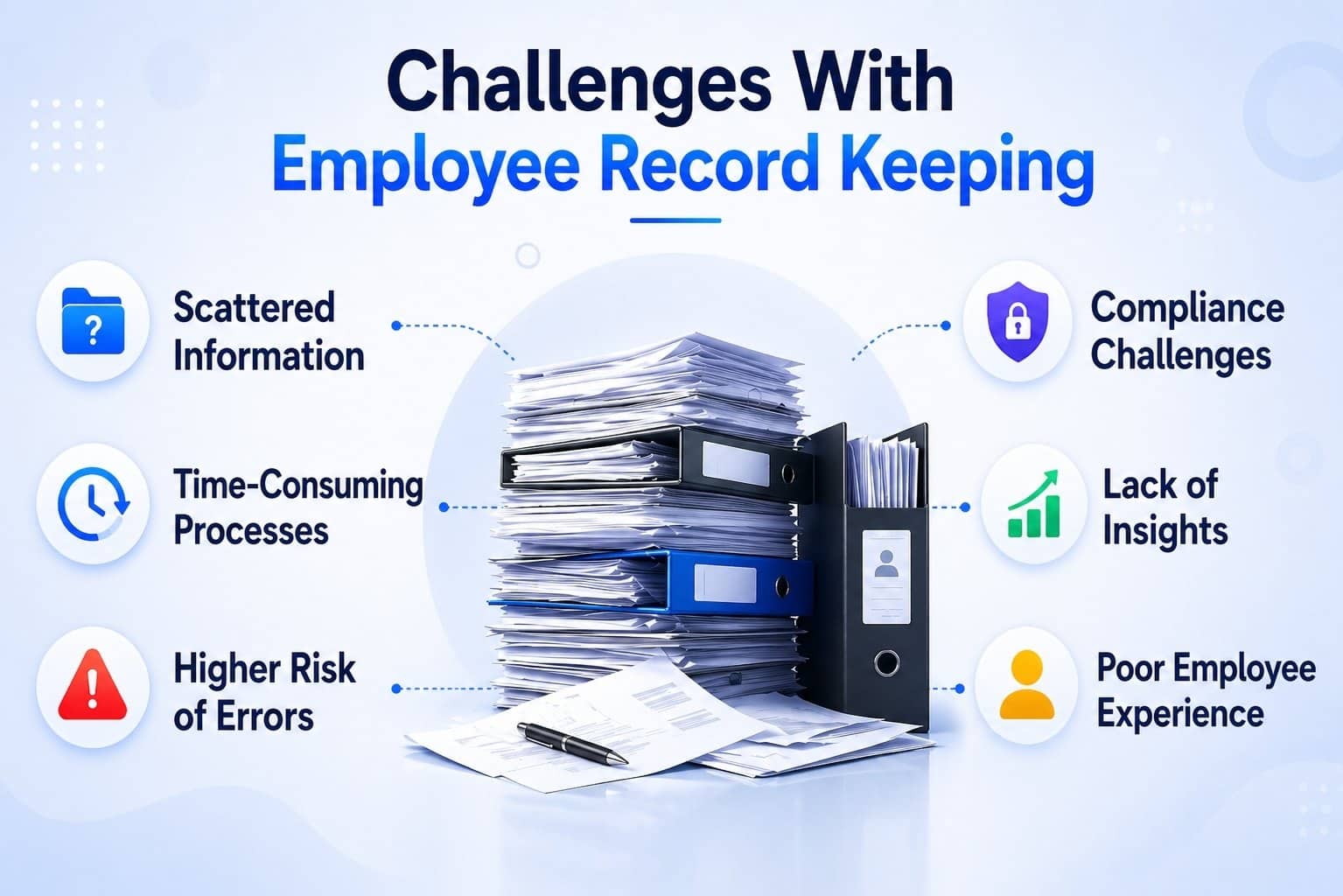
HR departments face persistent obstacles that compromise employee data accuracy and increase risk. These challenges drain resources and expose organizations to compliance violations.
Manual Data Entry Errors
Error rates for manual data entry reach about one percent. This figure seems small until you think over how 47% of HR professionals spend most of their time on manual data entry and reporting. Incorrect employee information creates cascading problems across payroll processing, benefits administration and compliance tracking. Transposition errors, duplicate entries and omissions occur often when HR teams manually transfer employee records between systems. Fatigue and distraction during repetitive tasks increase mistakes that get pricey to correct.
Scattered Documents in Multiple Systems
Employee files live in filing cabinets, shared drives, email attachments, old HRIS exports and spreadsheets that track reverifications. This fragmentation creates multiple points of failure and increases time HR professionals spend searching for specific information. Inconsistent access controls mean multiple users have broad access without clear principles governing who views what. HR teams waste hours compiling employee data from disconnected sources instead of focusing on strategic initiatives, so productivity suffers.
Compliance And Retention Requirements
Document access becomes almost impossible to track with paper-based personnel files. HR teams cannot see who viewed or copied sensitive employee data. Retention policies prove difficult to enforce because paper files may be kept too long or discarded incorrectly. Organizations struggle to identify what was exposed during security incidents with any speed.
Security Risks With Paper Records
Paper files can be misplaced, stolen or destroyed in fires and floods without backups. Anyone who finds unprotected employee documents can read or copy personal details. Storage limitations force HR teams to manage thousands of files in overstuffed cabinets. Quick access to employee records becomes time consuming.
Payrun Employee Record Keeping Software For Payroll And HR Data Management
Payrun employee record-keeping software helps HR teams manage employee records and organize employee data in one secure HR platform. The system stores employee documents, personnel files, and key employee information such as personal details, salary history, attendance, and emergency contacts. HR professionals maintain structured employee profiles instead of managing scattered paper files or spreadsheets. Authorized users get secure access with clear access permissions, which protects sensitive employee data and supports strong data protection, all powered by Payrun's innovative HR features.
Payrun also supports daily HR tasks like employee onboarding, attendance tracking, leave management software to manage time off requests, and payroll management. HR teams and managers get quick access to employee files and important records in just a few clicks. A self-service portal allows employees to view own records, update details, and access onboarding documents easily while benefiting from Payrun’s simplified leave management system for HR teams.
The platform helps businesses maintain records, improve HR processes, and ensure compliance with workplace regulations, reflecting Payrun’s mission as your trustworthy partner in HR management. For small businesses and growing organizations, Payrun reduces time-consuming paperwork and helps teams save time while keeping employee documents organized and secure, making it one of the best HR software options for small businesses and a powerful HR and payroll solution for SaaS and software teams.
FAQs
Can Employee Record Keeping Software Help Small Businesses Manage HR Data More Efficiently?
Yes, employee record-keeping software helps small businesses organize employee records, employee documents, and personnel files in one system. HR teams gain easy access to employee data and reduce time-consuming paperwork while maintaining accurate records.
Does Employee Record Keeping Software Improve Data Security And Access Control?
Yes, most systems include data encryption, access permissions, and secure access for authorized users. These features protect sensitive employee data while allowing HR teams and managers to access specific information safely.
Can Employee Record Keeping Software Store Performance Reviews And Salary History?
Yes, the system can store performance reviews, salary history, and other employee documents inside structured employee profiles. HR professionals can maintain organized personnel files and track employee progress over time.
Does Employee Record Keeping Software Support Employee Self-Service Access?
Yes, many HR platforms include a self-service portal where employees can view own records, update personal details, and submit time off requests. This reduces manual HR tasks and helps teams save time.
What Types Of Employee Information Should Businesses Maintain In A Record Keeping System?
Organizations should maintain employee information such as personal details, emergency contacts, attendance, onboarding documents, and benefits data. Keeping all employee files organized helps businesses maintain legal compliance and efficient HR processes.